What it does
A launcher for your CRT.
Browse games, play music and video, or leave the television showing photos and the weather. The launcher draws at 320 by 240; the media below includes launcher captures and desktop recordings.
01 startup
The boot animation.
The launcher opens with a short boot animation: a BIOS-style readout, a beam tracing the logo and a title screen with sound. The readout uses information from your machine.
Then a laser climbs the screen and an arcade hall stands up behind it. The logo flies to the far wall and lights as a neon sign, and the menu opens in a window of dark glass. After a while people come in to play.
Recorded from the launcher at 320 by 240 and enlarged to 640 by 480 for the video.
From startup to the menu
-
0:03 Tracing the logo -
0:05 Drawing the wordmark -
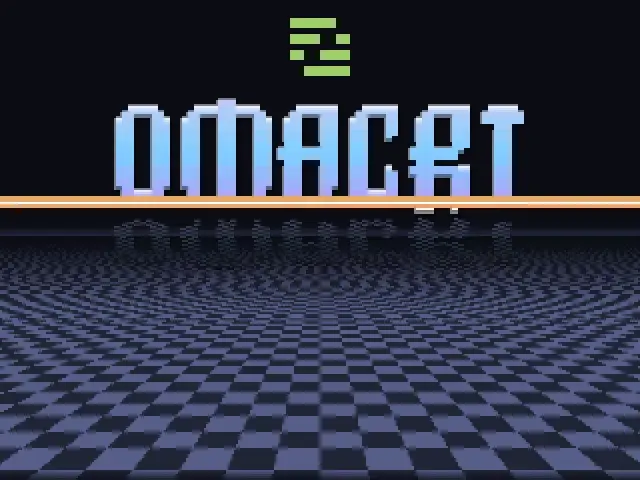
0:08 Title screen -
0:09 Into the arcade hall
02 games and media
Games, music and video.
Scan your game folders and browse by system or cover art. Arcade boards get their flyers, their records and a set of filters, and Sega Model 3 runs at the television's own line count. RetroAchievements show under each cover. The launcher also controls music through cliamp and plays local videos and YouTube through mpv.
Starting a game plays a cartridge or disc animation, then switches to the emulator. Every game reaches the television at the same loudness. The pause menu lets you save and load states, rewind or use slow motion, and move the picture for one game or a whole system. What it offers depends on the system and core.
-
Systems. Each console is a small voxel model built to its real size. It drops onto a lit stage when you select it. -
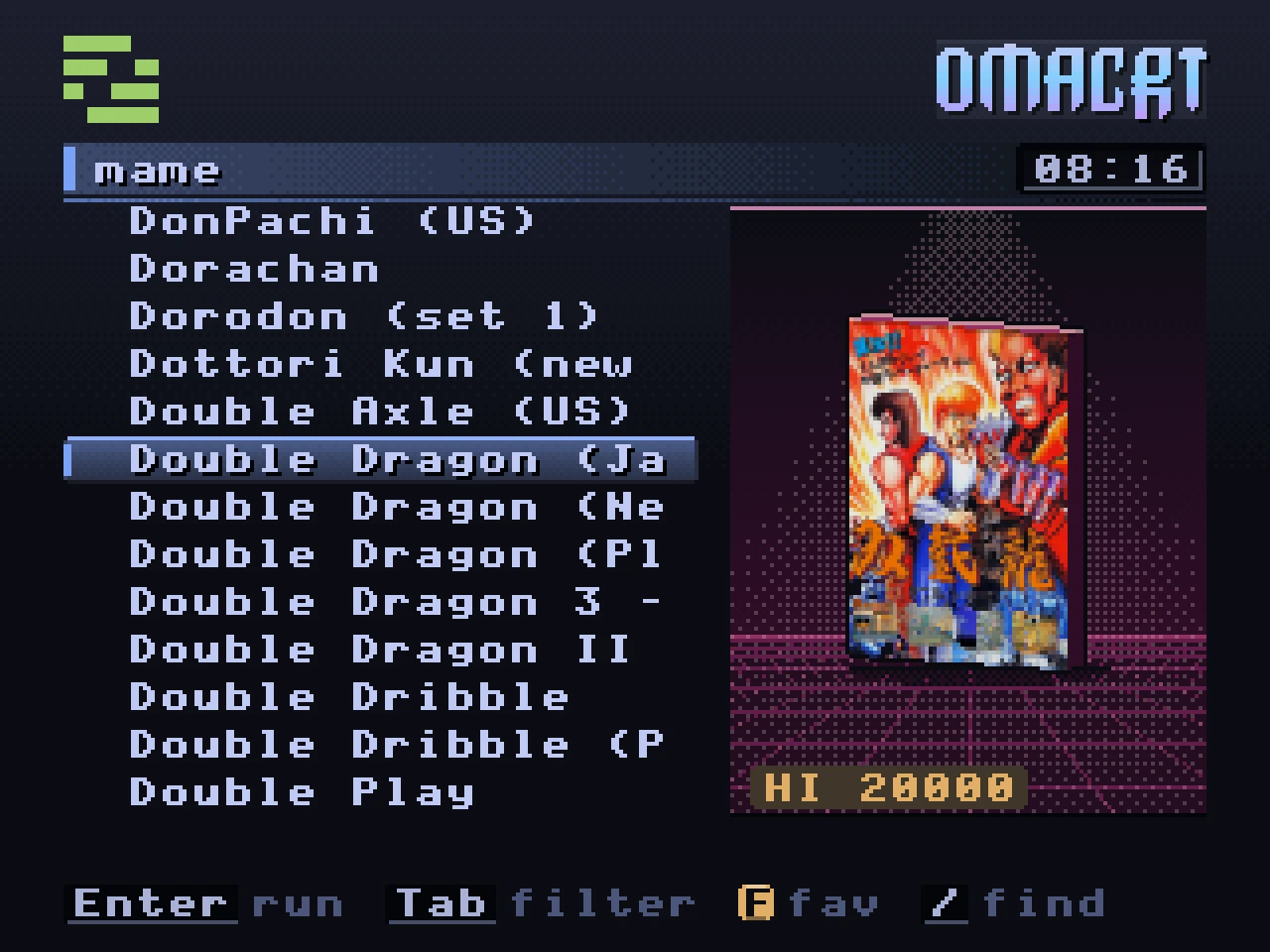
Arcade. Flyers for covers, filters by orientation, players and controls, and the record each board keeps. -
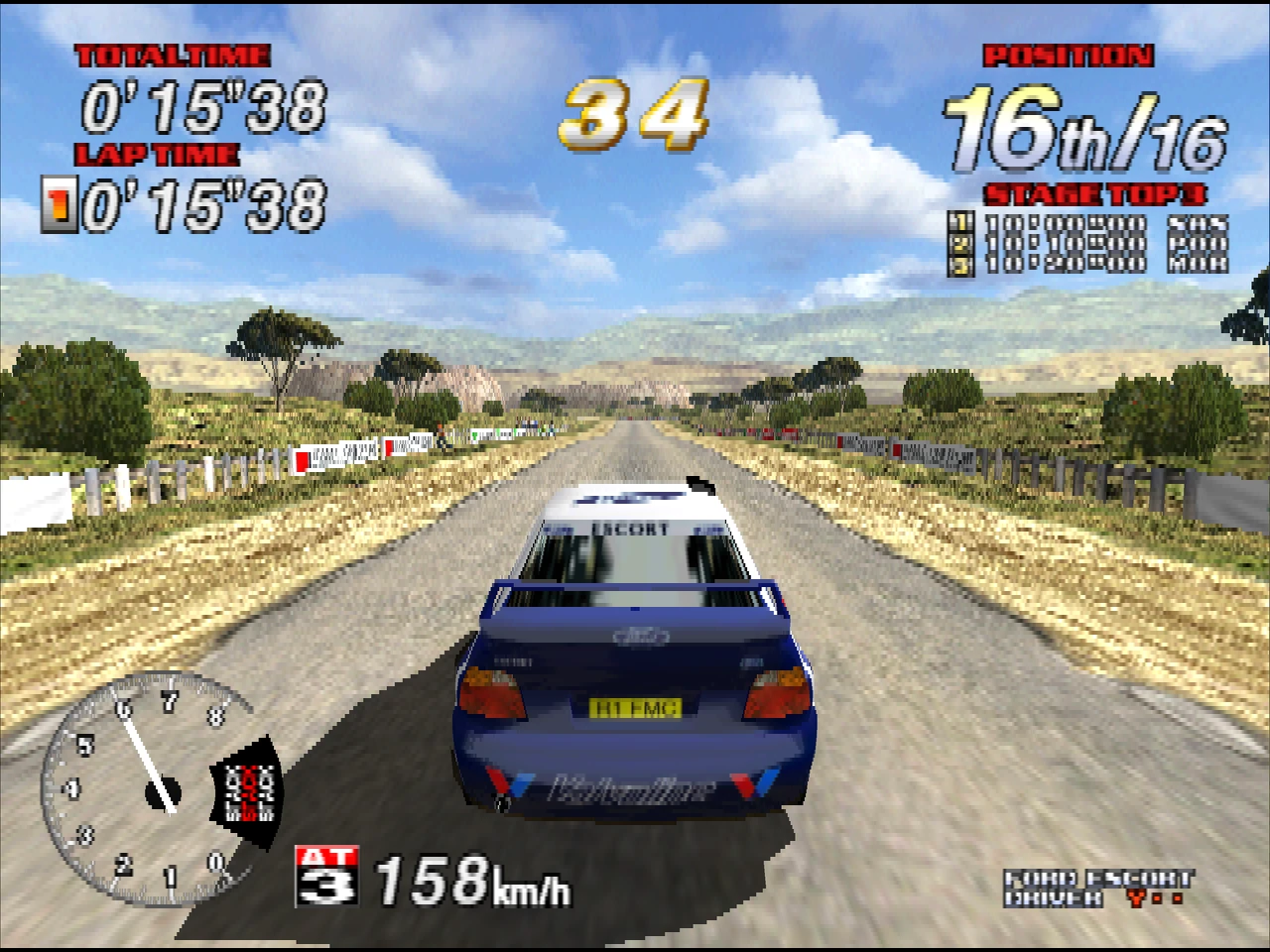
Sega Model 3. Sega Rally 2 drawn at 240 lines, captured from Supermodel itself. -
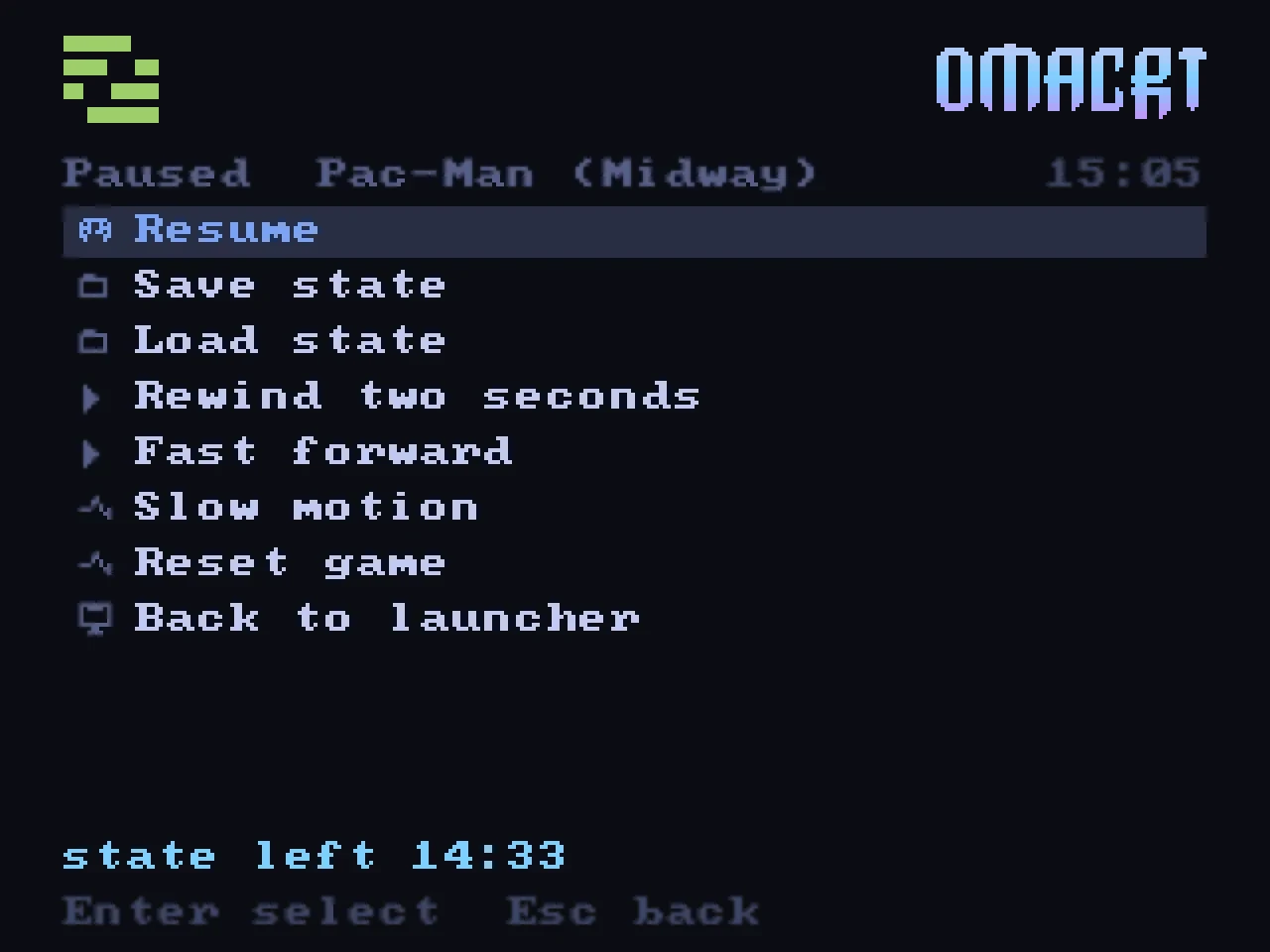
Pause menu. Save and load states, rewind and slow motion. -
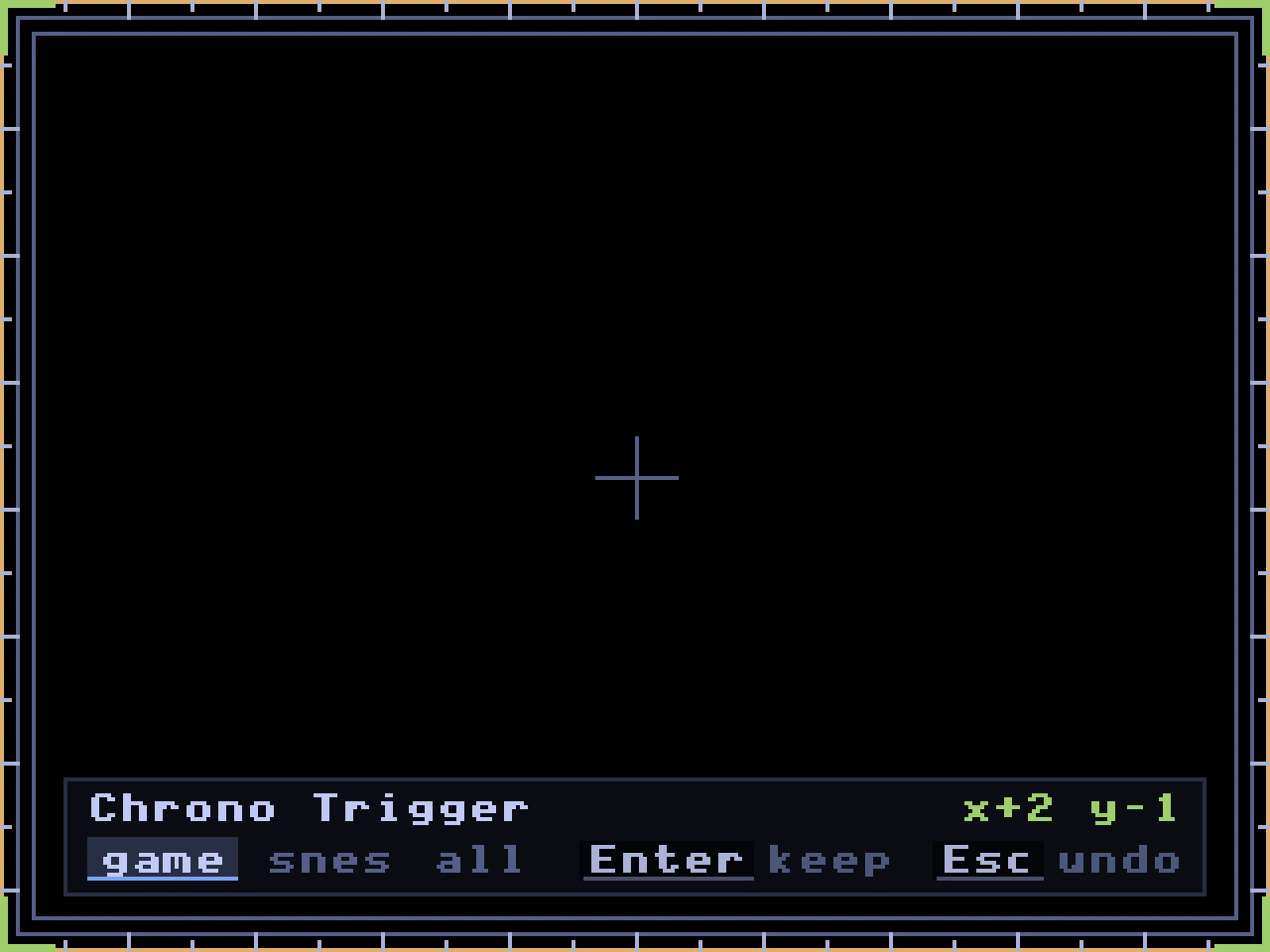
Centre picture. Move a game's picture on the tube and keep it for that game, its system or every game. -
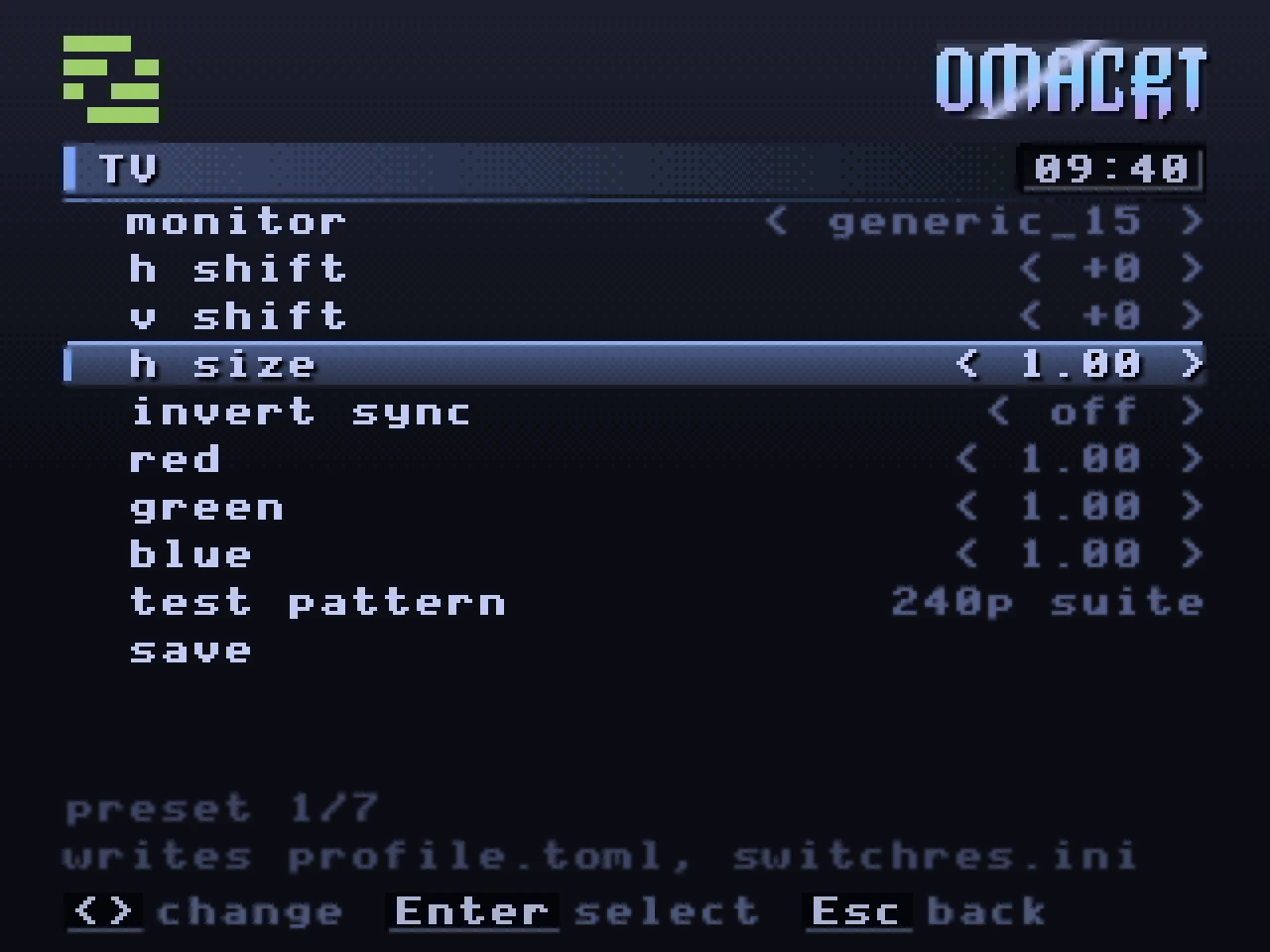
TV profile. Shift, width and a colour gain per channel, set once for your television. -
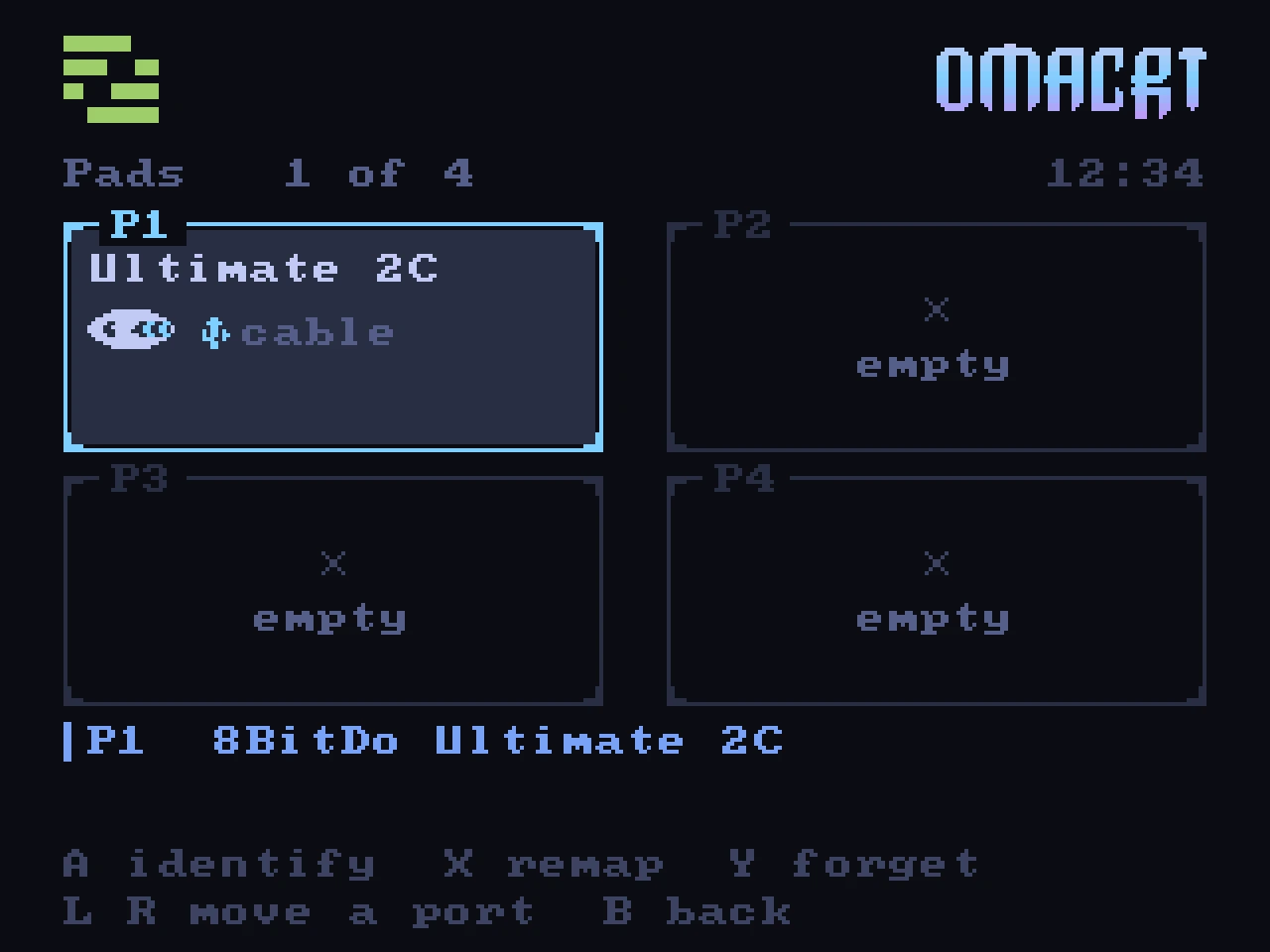
Pads. Each pad keeps its port, and you can remap it on the television. -
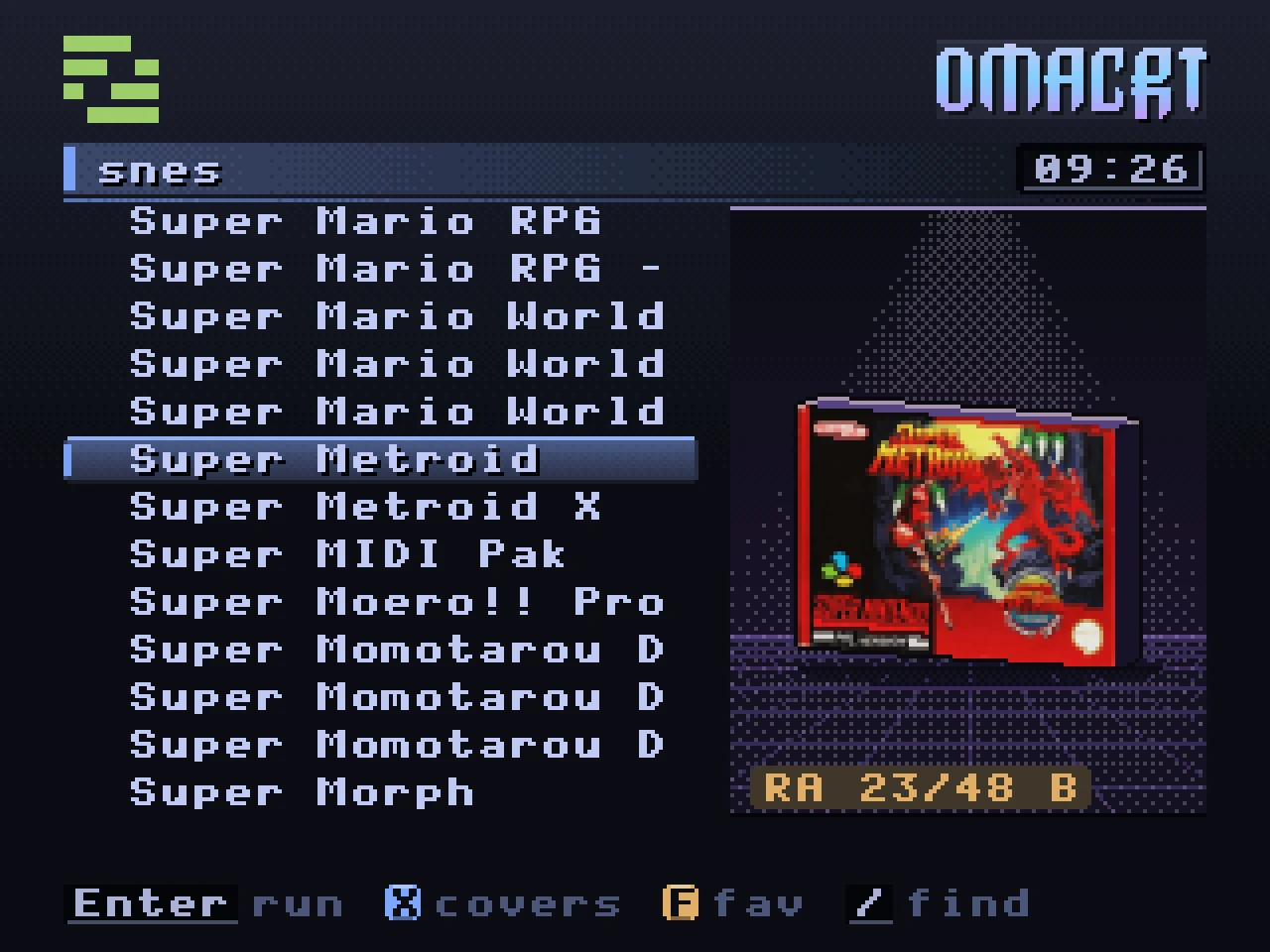
RetroAchievements. RetroArch earns them, and each game shows how far you got. The progress here is an example. -
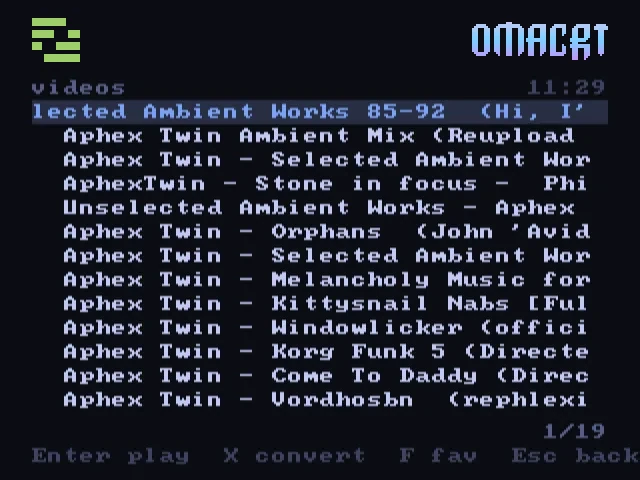
Video. Search YouTube or play a local file, fitted to the 4:3 screen. -
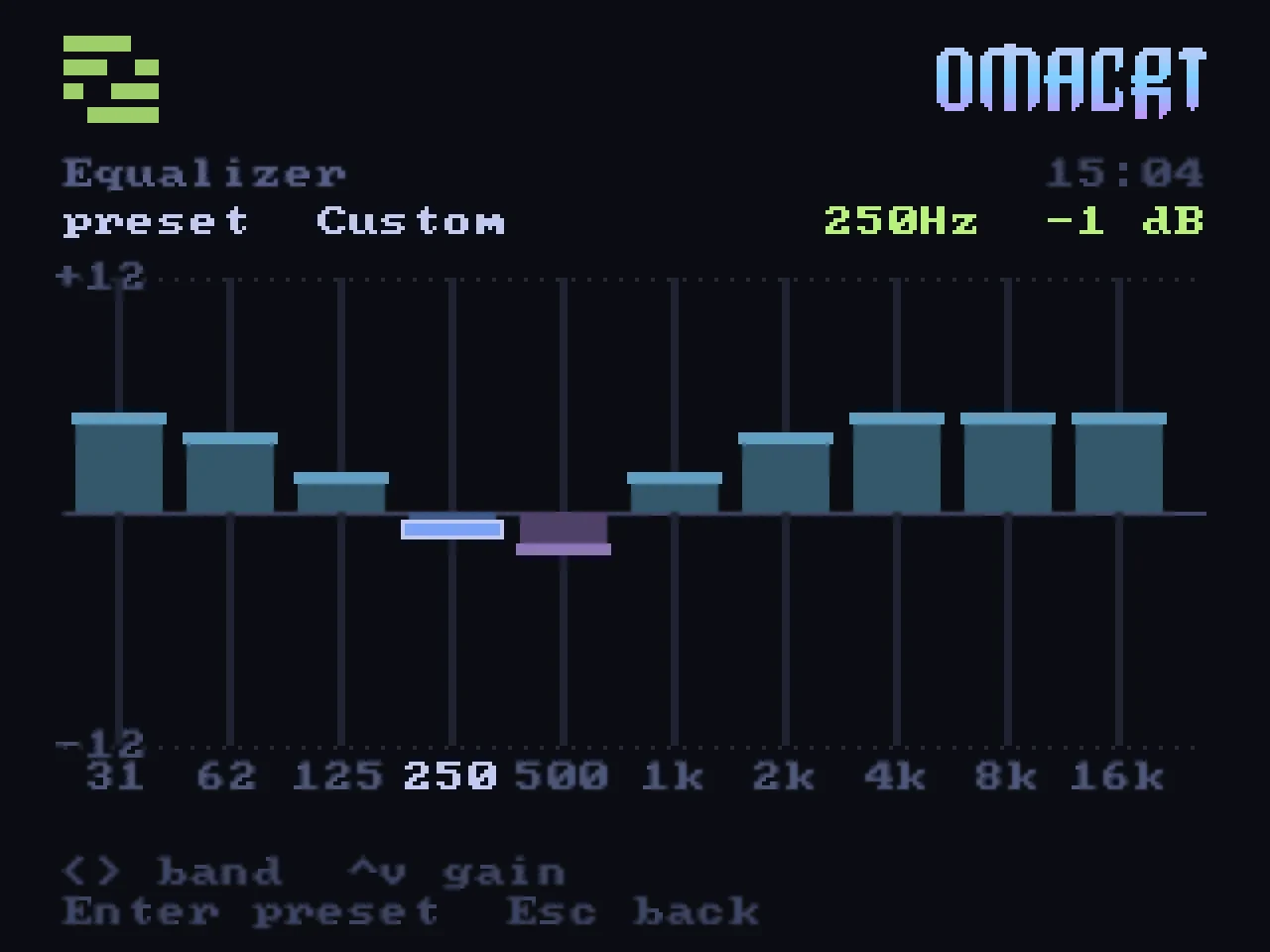
Equaliser. Ten bands, from 31 Hz to 16 kHz, adjustable in 1 dB steps. -
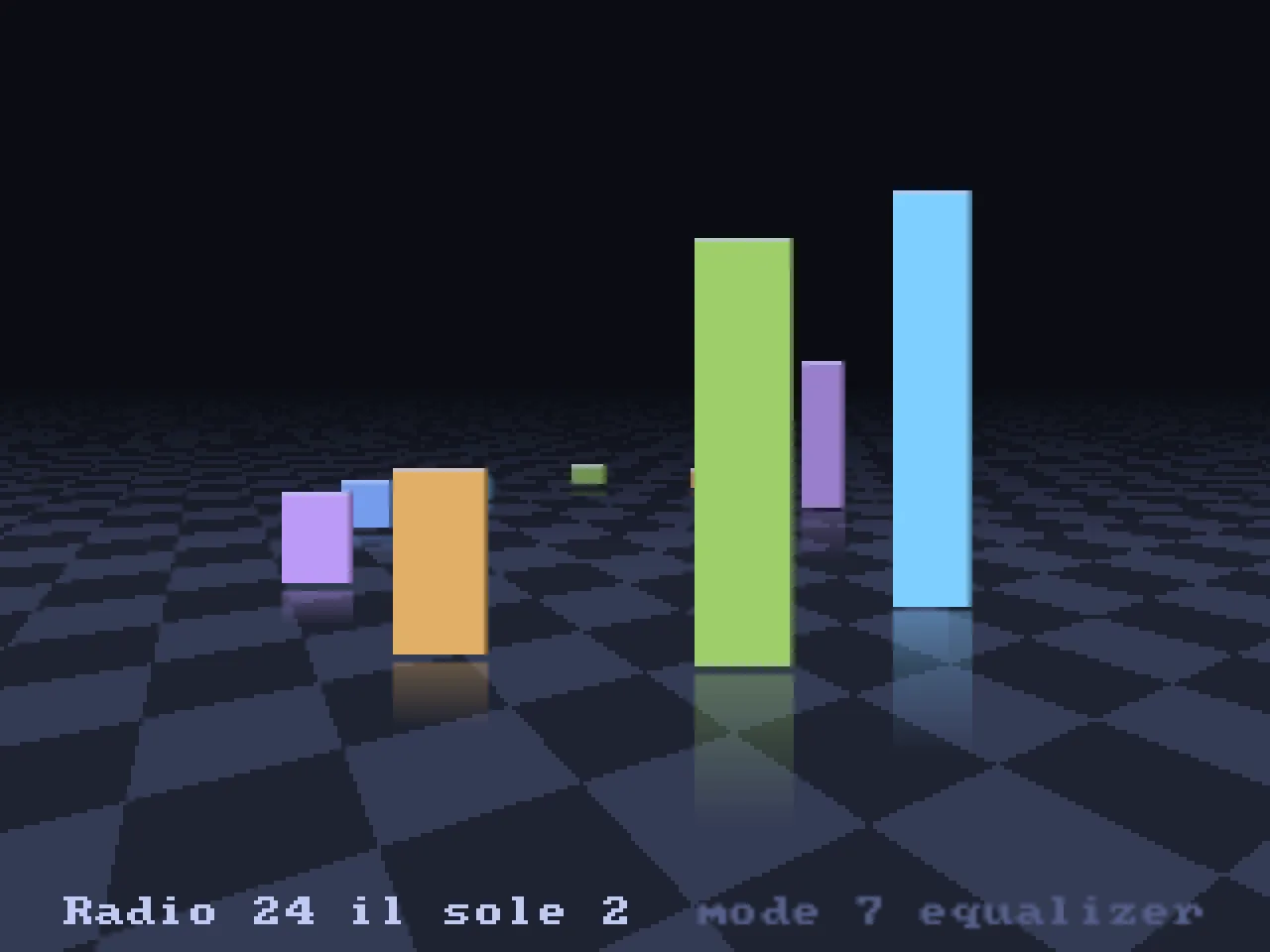
Mode 7 visualiser. Spectrum bars reflected on a receding floor. -
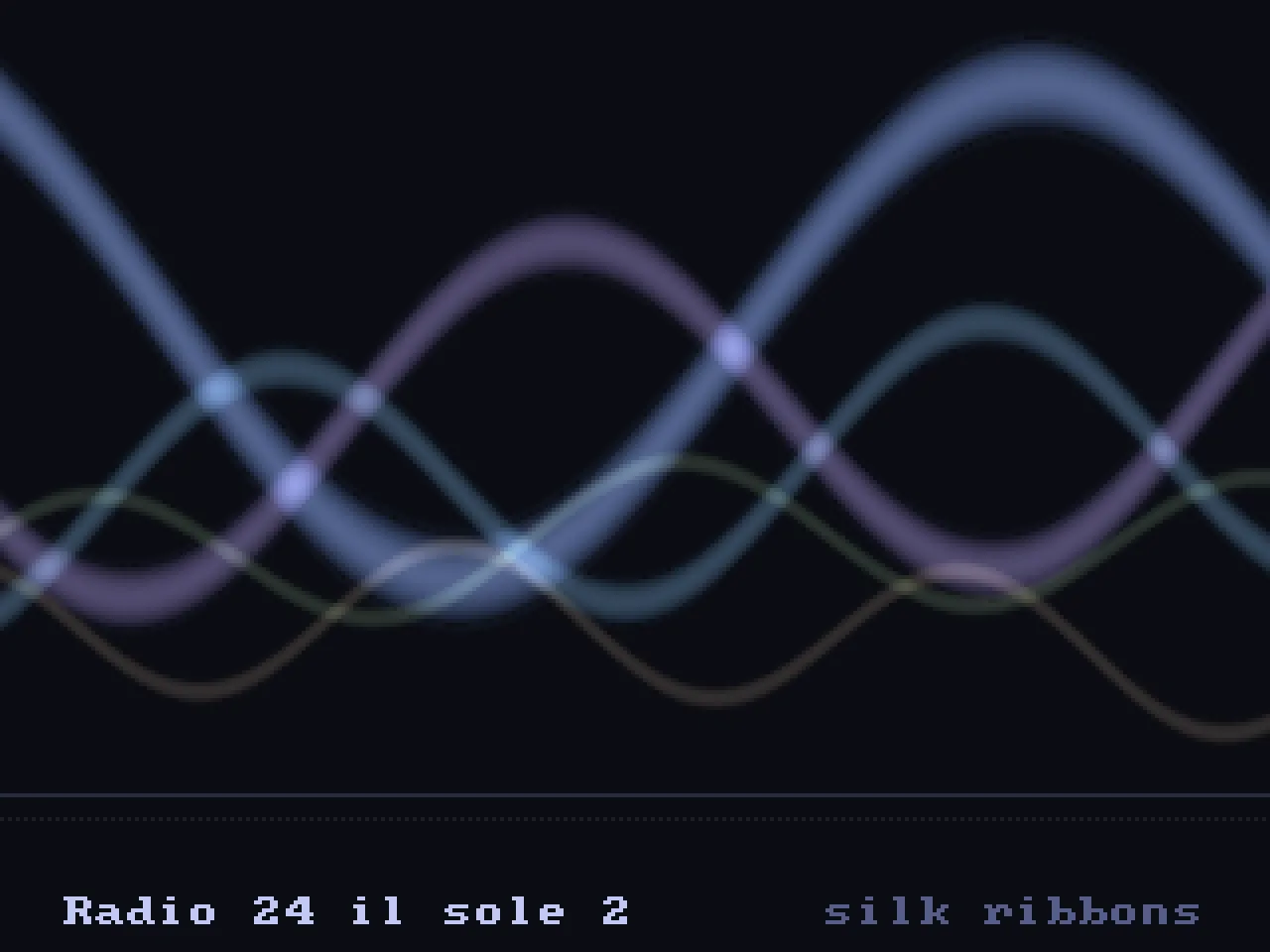
Silk ribbons. Four animated ribbons driven by the music.
03 idle screens
When you leave it idle.
Choose a logo animation, photos from your Immich server, the weather, a system monitor or a small gallery of paintings. You can rotate between them. While music plays, the screen switches to a visualiser.
Local weather
The sky follows local sunrise, sunset and weather data. Clouds and rain move with the wind, and the town’s windows light up after dark.
Optional sounds include rain, wind, thunder, birds and crickets. They are off by default.
I added the Atomium to the skyline as a local detail.
-
06:58 Dawn -
03:07 Thunderstorm -
15:10 Afternoon sun -
16:40 Light rain
Rendered from the launcher at 320 by 240 and enlarged. The dawn sequence is sped up.
System monitor
See CPU activity, memory, GPU usage and the busiest processes. The graphs show 90 seconds of load and network history.
Art gallery
Three paintings by René Magritte, redrawn in pixels as homages and hung in gilt frames under a spotlight. Each one moves a little. The apple in front of the face steps aside, a bird crosses the daylight sky over the lamplit street, and one of the men of Golconde raises his hat.
04 animation and sound
Animation and sound.
I enjoyed building the small animations as much as the launcher itself. These are a few of the details you can see and hear.
-
Dithered gradients
The weather screen uses repeating pixel patterns to blend colours into gradients.
-
Generated sound effects
The launcher generates its sound effects at startup, including rain and thunder, at an 8 kHz sample rate. It ships no audio files for these effects.
-
Moving photographs
Horizontal photos pan one pixel per frame. Portrait photos appear in full against a blurred copy of the same image.
-
Analogue-style meters
The CPU meters and music player’s VU needles rise quickly and fall slowly, like the needles on an amplifier.
05 on the desktop
Desktop controls and integrations.
On Omarchy, two Quickshell plugins add a bar panel and a game library overlay. A Television entry in the desktop menu gives you playback, audio and diagnostic controls.
On other Hyprland desktops, use the command line. The launcher’s music, video and photo integrations work without Omarchy.
-
Bar panel
Switch the television output on or off, adjust volume and sync, or send a video link. The bar icon shows the output’s status and line count.
-
Themes
Choose from your installed Omarchy themes. The launcher changes its palette, including the logo and icons.
-
cliamp
With cliamp installed and configured, control your music from the television, with lyrics and visualisers.
-
mpv and yt-dlp
Play a local video, search YouTube from the launcher, or send a link from your desktop clipboard. Choose letterbox or crop for the 4:3 screen.
-
RetroArch
Launch games with settings for each system. Save and load states from OmaCRT’s pause menu. Your existing RetroArch configuration is kept separate.
-
Immich
Show albums, favourites or photos from this day in previous years, with dates and locations from your Immich server.
-
PipeWire
Route the launcher, games, video and music to the television’s audio output, then return the audio to the desktop when you switch it off.
-
systemd and I2C
A systemd service enables DRM leasing at boot. For the RGB-Pi 2, OmaCRT sets the converter’s sync mode over I2C after each power cycle.
Not a fork, not a distribution, not a patch. Omarchy is by the Omacom Foundation. This project is not affiliated with it, is not endorsed by it and does not speak for it. omarchy.org